
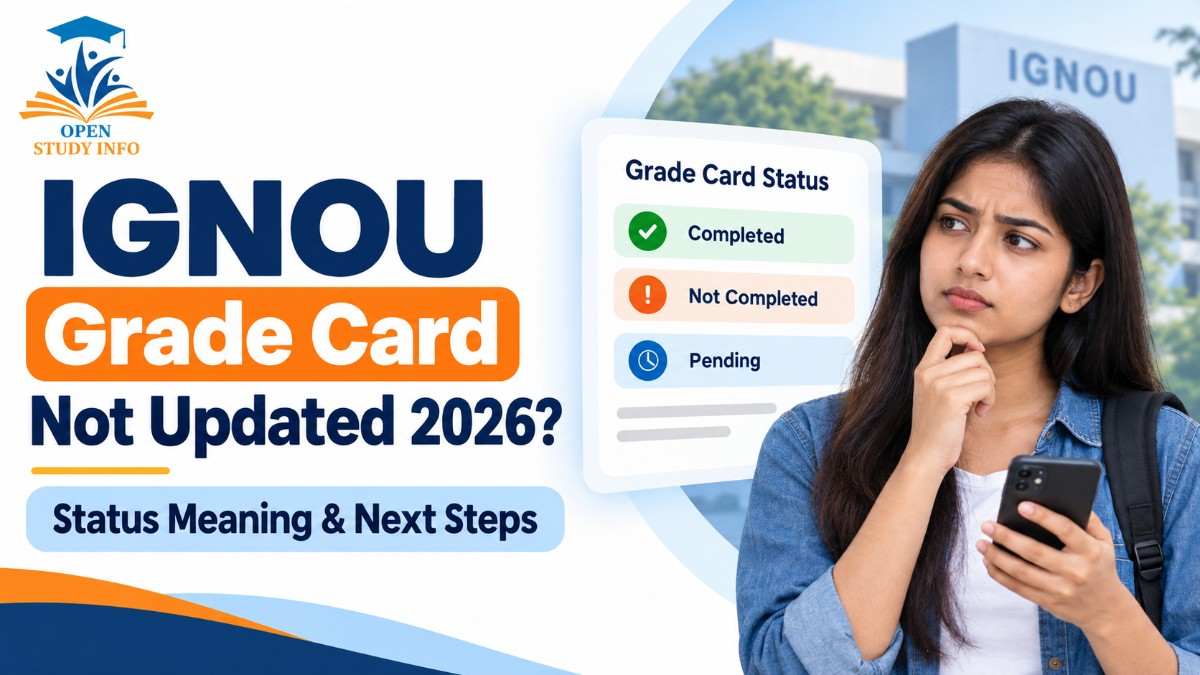
IGNOU student help guide
Understand Completed, Not Completed, blank marks and pending components—and find the correct action without treating every missing entry as a failure.
Reviewed with official IGNOU services • September 2026Before You Panic: Read the Individual Components
If your IGNOU Grade Card shows Not Completed, a blank mark or another pending-looking entry, it does not automatically prove that you failed. Theory, assignment, practical and project marks can be evaluated and transmitted through different channels, so all components may not appear together.
The safest approach is to check the affected course code row by row. A blank field and a published numerical score are different situations: a blank entry can still be awaiting evaluation or transmission, while a numerical score must be interpreted using the rules applicable to your programme and course.
Quick navigation
How to Check the IGNOU Grade Card Online
IGNOU Grade Card vs TEE Result: What Is the Difference?
The Term-End Examination Result and Grade Card are related but serve different purposes. Checking the correct service first can prevent unnecessary complaints.
| Record | What it mainly shows | When to use it |
|---|---|---|
| TEE Result | Published Term-End Examination or re-evaluation result information. | Check whether the theory result for the relevant examination session has been released. |
| Grade Card | Course-wise academic components and completion-related entries available in the record. | Compare assignment, theory, practical and project information course by course. |
| Assignment Status | Assignment, project or practical awards transmitted after evaluation. | Investigate a missing assignment, project or practical entry. |
| Re-evaluation Result | Outcome published for an eligible TEE re-evaluation request. | Check the result after applying through the applicable official process. |
You can follow the IGNOU June 2026 Result guide for result-release context and use the IGNOU Percentage Calculator only after the required marks are available.
What IGNOU Grade Card Statuses Usually Mean
The exact display can vary by programme and portal category. Treat the status as a starting point, then verify the component columns and official programme requirements.
| Status or situation | Possible meaning | What you should check |
|---|---|---|
| Completed | The available record indicates that the required course conditions have been satisfied. | Confirm that every expected component is visible and the correct course code is shown. |
| Not Completed | One or more requirements may be missing, pending, not transmitted or below the applicable requirement. | Inspect assignment, TEE, practical and project entries individually. |
| Blank component | The mark may not yet have been evaluated, transmitted or updated in the record. | Check the relevant result or Assignment Status service before assuming zero marks. |
| Result awaited/pending-type message | The relevant result or component may still be under processing. | Check again during the result-update cycle and retain a dated screenshot. |
| Numerical mark shown | A mark has been published for that component. | Compare it with the applicable programme/course rule; do not apply a universal passing mark. |
How to Diagnose Why Your Grade Card Is Not Updated
1. Check the course code
Make sure you are reading the correct course and programme. Selecting an incorrect Grade Card category or programme code can produce an incomplete or blank record.
2. Check the TEE Result separately
If theory marks are missing from the Grade Card, check whether the relevant TEE Result has been published. The result and Grade Card can update at different times.
3. Check Assignment Status
The official Assignment Status service states that assignment, project or practical status appears only after marks or grades are transmitted by the Study Centre or Regional Centre following evaluation. A submission receipt proves submission, but it does not itself prove that marks have already been transmitted.
4. Identify practical or project requirements
If the course includes a practical, laboratory, workshop, internship, dissertation or project, check that component separately. These components may follow a different evaluation and update path.
5. Compare blank entries with published scores
If the field is blank, record the date and monitor the relevant official service. If a numerical mark is visible, check the programme guide before deciding whether reappearance, resubmission, re-evaluation or another action applies.
What to Do When the Grade Card Does Not Change
Recommended escalation order
- Check official online records for Grade Card, TEE Result and Assignment Status.
- Contact the Study Centre for assignment or locally evaluated component queries.
- Contact the Regional Centre when transmission or regional processing needs confirmation.
- Use IGNOU iGRAM when the issue remains unresolved and you have the supporting documents.
Quick Decision Guide
| What you see | Likely next step |
|---|---|
| Completed and all expected components visible | Keep a copy and continue checking the official record until programme completion documentation is processed. |
| Not Completed with a blank component | Check the matching result/status service, record the date and follow the Study Centre → Regional Centre route when appropriate. |
| Not Completed with a published numerical score | Check the applicable passing requirement and official remedy for that component. |
| Pending/result-awaited message | Monitor the official service; avoid treating an unpublished component as a failed component. |
| Practical/project entry missing | Confirm evaluation and transmission with the concerned centre. |
Helpful IGNOU Resources
Frequently Asked Questions
What does Not Completed mean on the IGNOU Grade Card?
It can mean that one or more required components are missing, pending, not transmitted or do not meet the applicable condition. Check the component-wise entries to identify the likely reason.
Does a blank assignment mark mean I failed?
No. A blank field may mean that evaluation, transmission or updating is still pending. Check the official Assignment Status service and retain your submission acknowledgement.
How can I check my IGNOU Grade Card?
Open the official Grade Card portal, select the appropriate category and programme code, enter your enrollment number and review every course component.
How long does an IGNOU Grade Card update take?
There is no single guaranteed timeline for every programme, centre and component. Updates can occur in phases, so monitor the relevant official services and escalate with evidence if an entry remains unresolved.
Are the IGNOU TEE Result and Grade Card the same?
No. The TEE Result primarily reports examination-result information, while the Grade Card brings together the course-wise academic components available in the record.
Where should I complain about a missing Grade Card entry?
First verify the relevant official records. Assignment-related issues normally begin with the Study Centre, followed by the Regional Centre when required. Unresolved issues can be submitted through official iGRAM with supporting evidence.
Disclaimer: OpenStudyInfo is an independent educational information website and is not affiliated with IGNOU. Portal displays, evaluation rules and student records remain under the control of Indira Gandhi National Open University. Always verify your case through official university services.